
Play 3D Tank Battle Game Free Online
Play in your browser without a download or an account.
Take your tank through rolling fields, desert canyons, snowy forests, ruined streets, and a volcanic fortress. Shots drop over distance, and angled armor can bounce them back. Work your way around an enemy, hit its weak side, and you might send its turret flying. New here? Leave aim assist on and start with the first mission.
Your progress is saved in this browser, with no account required.
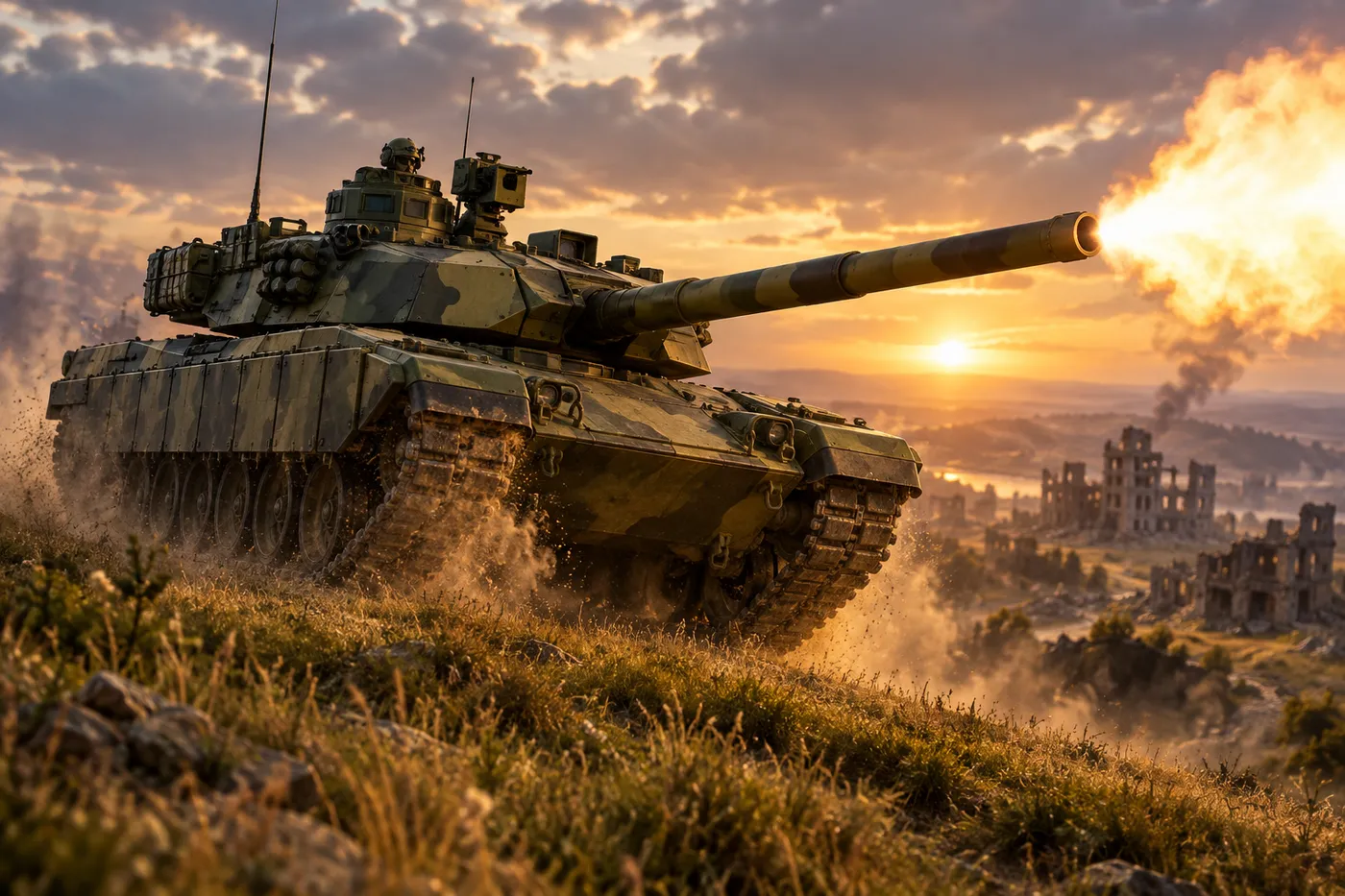
Start with a mission or see how long you last
If you’re new to tank battle games, the campaign gives you a place to learn, starting with lightly armored scout enemies. Survival skips the finish line and keeps sending more tanks your way. Once you’re comfortable, the daily challenge adds a new setup and a special rule to work around.
How to play the tank game
Leave aim assist on while you learn. You can turn it off when you’re ready to lead your own shots.
01Drive and turn
Use WASD or the arrow keys to drive. Move the mouse to aim; your turret turns toward the crosshair. On a phone, drag on the left to drive and swipe on the right to look around.
02Let your aim settle
Moving widens the aiming circle. Stop for a steadier shot, then fire with the left mouse button or Space. On mobile, tap Fire. A green circle means the shot is likely to penetrate; red means it probably won’t.
03Find a weaker angle
Most tanks have thicker armor up front. Get a shot at the side or rear instead of trading shells head-on. Some penetrating hits can detonate an enemy’s ammo rack and blow the turret off.
- WASD / Arrows
- Drive
- Mouse
- Aim
- Left click / Space
- Fire
- Right click + Wheel
- Gun sight / Zoom
- Q
- Switch shells
- Shift
- Boost
- P / Esc
- Pause
- M
- Mute
Missing moving targets?Aim assist helps track enemies near your crosshair and adjusts for their movement. It starts enabled, but your gun still needs time to aim.
Getting knocked out too quickly?Try Recruit difficulty in Settings. Enemies deal less damage and are less accurate. A shield pickup can also give you time to reach cover.
Use the upper-right controls to pause, mute, or enter Focus Mode. Open Settings from the pause menu to change difficulty or graphics quality.
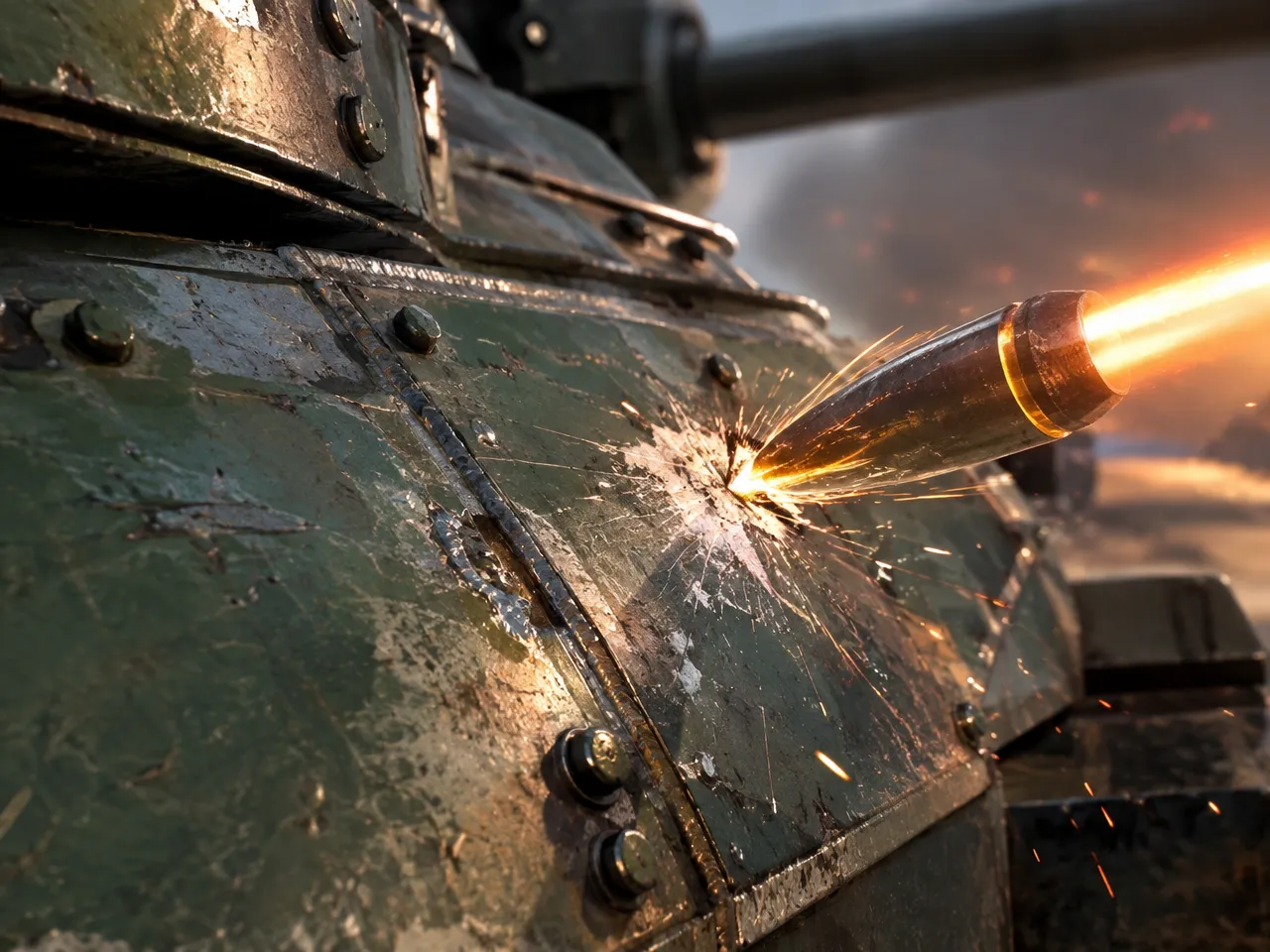
A hit doesn’t always mean damage
Where you hit matters as much as whether you hit. The game checks the armor plate, impact angle, and shell penetration before dealing damage. A shallow shot can bounce off sloped armor, while a side shot may punch through. Use the aiming circle’s color as a guide, not a guarantee: distance and penetration variation still affect the result.
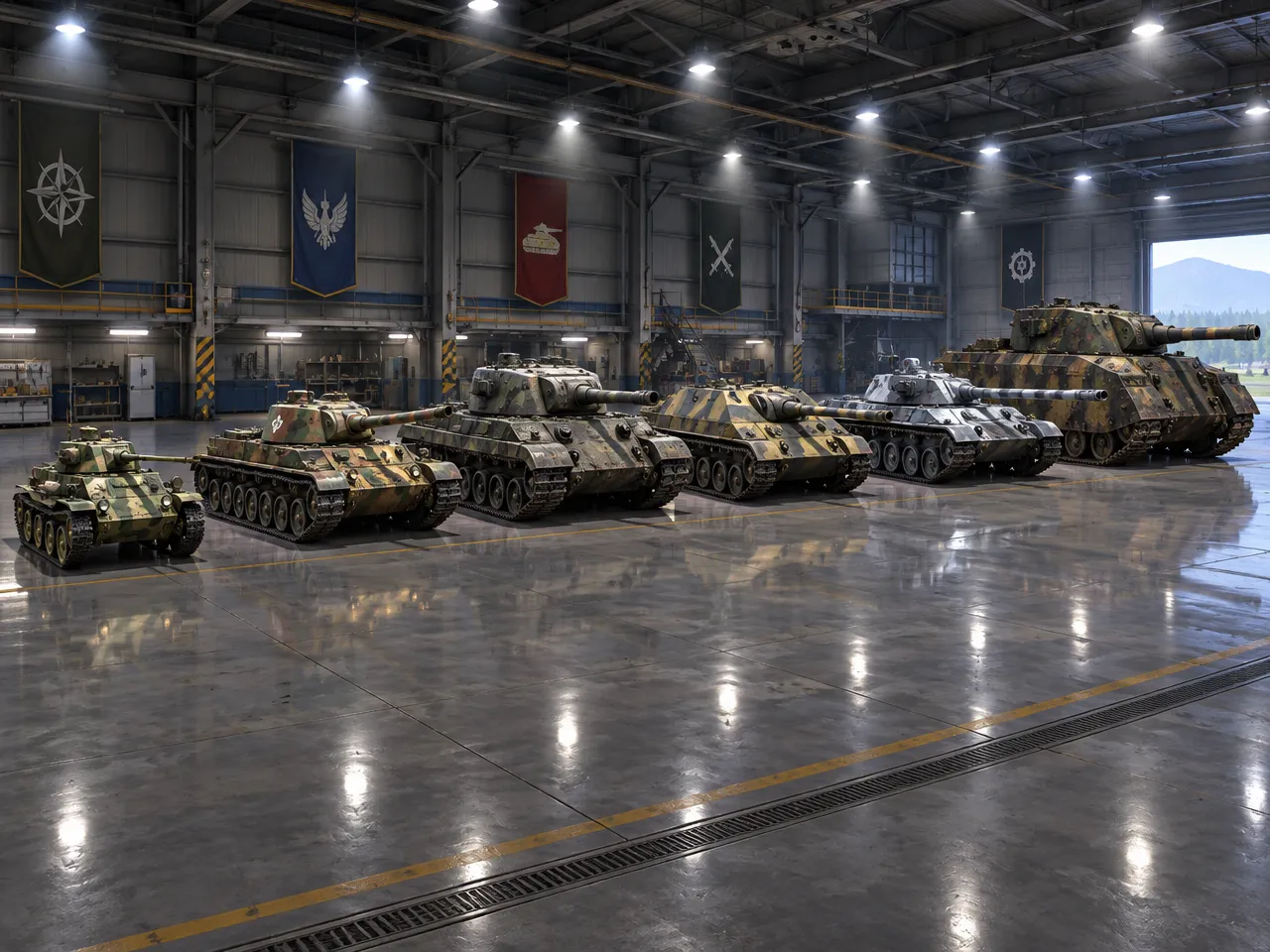
Earn your next tank, then change your approach
The M1 medium tank is a balanced starting point. At six stars, you can unlock the faster L7; at 15, the better-armored H4. Keep going for the hard-hitting TD9, the X2 with its three-round autoloader, and the twin-gun S1. Each has different armor, speed, penetration, and reload timing. A mission you struggled with in one tank may call for a different setup.
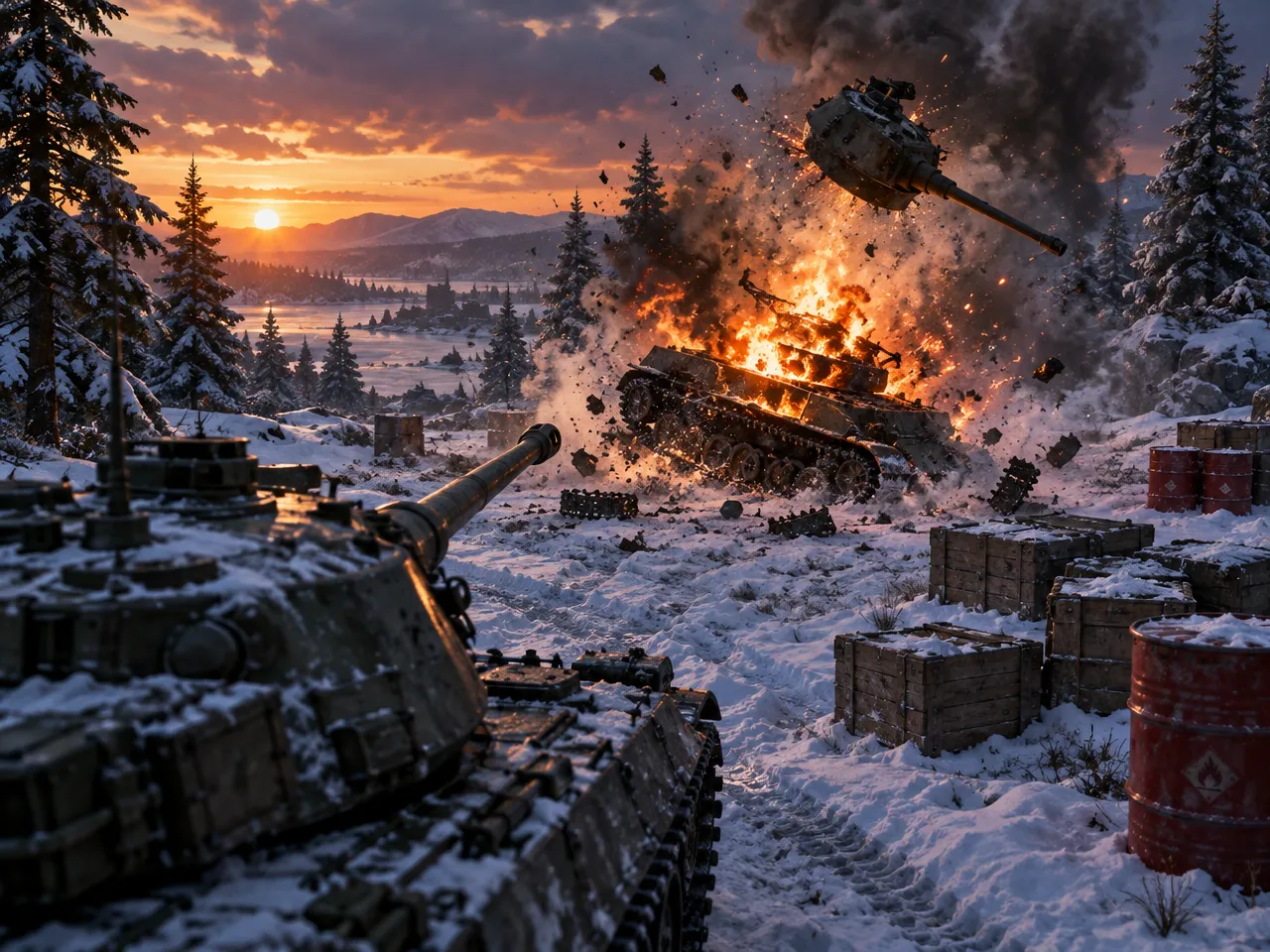
The ground changes how you fight
Snow gives you less grip, so brake before turning. Desert ridges can send a fast-moving tank into the air. City corners offer cover but can hide an enemy gun, while lava steadily damages your tank. You can knock down trees, break through walls and crates, or shoot fuel barrels to trigger an explosion. Look for a better position before reaching for the fire button.
30Campaign missions
6Player tanks
5Battlefields
0Downloads required
3D tank game FAQ
Can I play this tank game online for free without downloading it?
Yes. PLYYARD’s 3D Tank Battle Game is a free browser game with a 30-mission campaign, endless survival, and a daily challenge. You don’t need to download a game client or create an account.
You’ll need an internet connection to load the game and a modern browser with WebGL support. You can play with a keyboard and mouse, touch controls, or a compatible controller. The game menus and controls are available in English.
How do I control the tank on a computer or phone?
On a computer, use WASD or the arrow keys to drive and move the mouse to aim. Fire with the left mouse button or Space, right-click to toggle the gun sight, and use the scroll wheel to adjust zoom. Press Q to switch ammunition, Shift to boost, and P to pause.
Clicking the battlefield locks the mouse when your browser allows it. Esc releases the mouse and pauses the game. On a phone, drag on the left side to drive, swipe on the right to aim, and use the on-screen buttons to fire, zoom, switch shells, and boost. Landscape mode gives you more room. Controller support depends on your browser and controller.
Why do my shots bounce off or fail to penetrate?
A hit is not always a penetration. Each tank has different armor values on its front, sides, and rear, and sloped armor is harder to penetrate at a shallow angle. A shell that strikes at too sharp an angle can ricochet and keep flying.
The aiming circle gives you an estimate: green means a penetration is likely, yellow means it could go either way, and red means it is unlikely. Distance and penetration variation can still change the result. A sufficiently large-caliber shell can overmatch thin armor rather than ricochet.
Why does the aiming circle get bigger when I move?
The outer aiming circle shows your gun’s shot spread. Driving, turning the hull, rotating the turret, and firing can widen it. Stop and let the circle settle before taking a long-range shot.
Aim assist can help you track a nearby target and account for its movement, but it doesn’t remove gun spread or guarantee that a shot will penetrate.
How do I earn three stars in a campaign mission?
You earn one star for completing the mission, another for beating its time target, and a third for finishing with at least 50% health. Holdout missions use a required kill count instead of a time target for the second star.
Check the mission briefing for the exact requirements. You can replay completed missions, and the game keeps your highest star count for each one. A lower-rated replay won’t take away stars you already earned.
How do I unlock tanks, and which one should I use?
You start with the M1 medium tank. Earn 6, 15, 28, 45, and 70 campaign stars to unlock the L7 light tank, H4 heavy tank, TD9 tank destroyer, X2 prototype, and S1 super-heavy tank, respectively.
Choose the L7 for speed, the H4 for stronger frontal armor, or the TD9 for high damage per shot. The X2 has a three-round autoloader, while the S1 alternates between two gun barrels. There isn’t one best tank for every mission; capture missions reward mobility, while base defense often calls for armor and sustained fire.
What do the supply pickups do?
Green repair kits restore 35% of your tank’s maximum health and fix damaged tracks. Orange pickups add five high-explosive shells. Blue shields reduce incoming damage by 75% for nine seconds, and yellow pickups double reload speed for ten seconds. Repairs cannot take you above maximum health.
Supplies appear around the battlefield, between survival waves, and during later campaign waves. Some destroyed enemies and crates can also drop them. Look for the light beams or check the minimap.
How can I reduce lag and battery drain on my phone?
Start with the Power Saver setting if your phone gets hot or the frame rate drops. It targets 30 FPS and uses lower-resolution shadows. The game also adjusts render resolution as performance changes, while keeping anti-aliasing enabled.
Physics, enemy AI, and ballistics run in a Web Worker, but 3D graphics still use your device’s GPU. Performance and heat vary by phone, browser, and screen resolution; 60 FPS is not guaranteed. Rendering stops when the tab is hidden or the game scrolls out of view. Lowering screen brightness can also reduce power use.
Will the game save my progress without an account?
Yes. Campaign stars, high scores, unlocked tanks, and settings are saved locally in your current browser. There is no cloud save or automatic transfer to another device.
Clearing site data, switching browsers, or using private browsing can remove or limit saved progress. Keep using the same browser on the same device if you want to continue your campaign.
When should I use armor-piercing or high-explosive shells?
Use armor-piercing shells when you have a clear shot at weak armor. They are unlimited. High-explosive shells have lower penetration but can deal splash damage and some damage without penetrating, making them worth trying against clustered enemies or a tank with very little health left.
High-explosive ammunition is normally limited; orange pickups replenish it, and some daily challenges provide an unlimited supply. Press Q or tap the ammunition button to switch. When your HE shells run out, the game switches back to armor-piercing rounds. HE is not a guaranteed answer to thick armor or solid cover.
How do capture and base defense missions work?
To capture a zone, drive into its marked circle and keep enemy tanks out. Capture progress only increases while you are inside and no enemy is contesting it. Progress pauses when enemies enter and slowly falls if you leave. An uninterrupted capture takes about 40 seconds.
In base defense, you must clear every enemy wave before your base is destroyed. Some enemies prioritize the base, so chasing a distant tank can cost you the mission. Watch the minimap and base health bar, and intercept enemies approaching your position.
Does my tank repair itself? What happens if a track breaks?
After five seconds without taking damage, your tank repairs 3% of its maximum health per second, up to 70% health. Taking damage resets the timer. Pick up a green repair kit if you need to recover beyond that limit.
A broken track temporarily limits movement. Wait for the repair countdown to finish, or collect a repair kit to fix it immediately. Pull behind cover to recover, and stay out of lava or other sources of continuing damage.
What’s the difference between survival and the daily challenge?
Endless survival has no fixed finish line. Clear as many waves as you can and build your score; a boss appears every five waves. The daily challenge has a set objective, a date-based map and enemy lineup, and a special rule such as low-gravity ballistics or faster reloads.
The daily challenge uses your device’s local date, not a shared server clock. Re-enter it after the date changes to get that day’s setup. You can retry as often as you like. Your best score is stored in your browser; it is not a global leaderboard.
Is this a multiplayer tank game? Can two people play together?
No. The current game is single-player against AI, with campaign missions, survival, and daily challenges. It does not support two-player co-op, online PvP, or cross-device multiplayer.
Controller support gives you another way to control one tank; it does not add a second player. Scores and progress stay in your current browser rather than syncing to an online account.
What does Focus Mode do, and why is the browser toolbar still visible?
Focus Mode expands the game to fill the available webpage area. It also tries to enter browser fullscreen when permission is available. Embedded previews and some mobile browsers may block fullscreen, so their address bar or preview toolbar can remain visible.
Click the same button in the game’s upper-right corner to leave Focus Mode. Esc can also exit native fullscreen, but mouse lock and pause controls may use that key first.
Is the physics realistic enough to compare real tanks?
No. This is a tank combat game, not a validated military simulator. It calculates gravity-driven shell drop, armor angles, penetration, ricochets, and vehicle inertia using simplified models designed for browser play.
Tank names, armor values, damage, reload speeds, and repair rules are gameplay settings, not evidence of real-world weapon performance. The images on this homepage are promotional illustrations, not screenshots that promise the same graphics on every device.
